
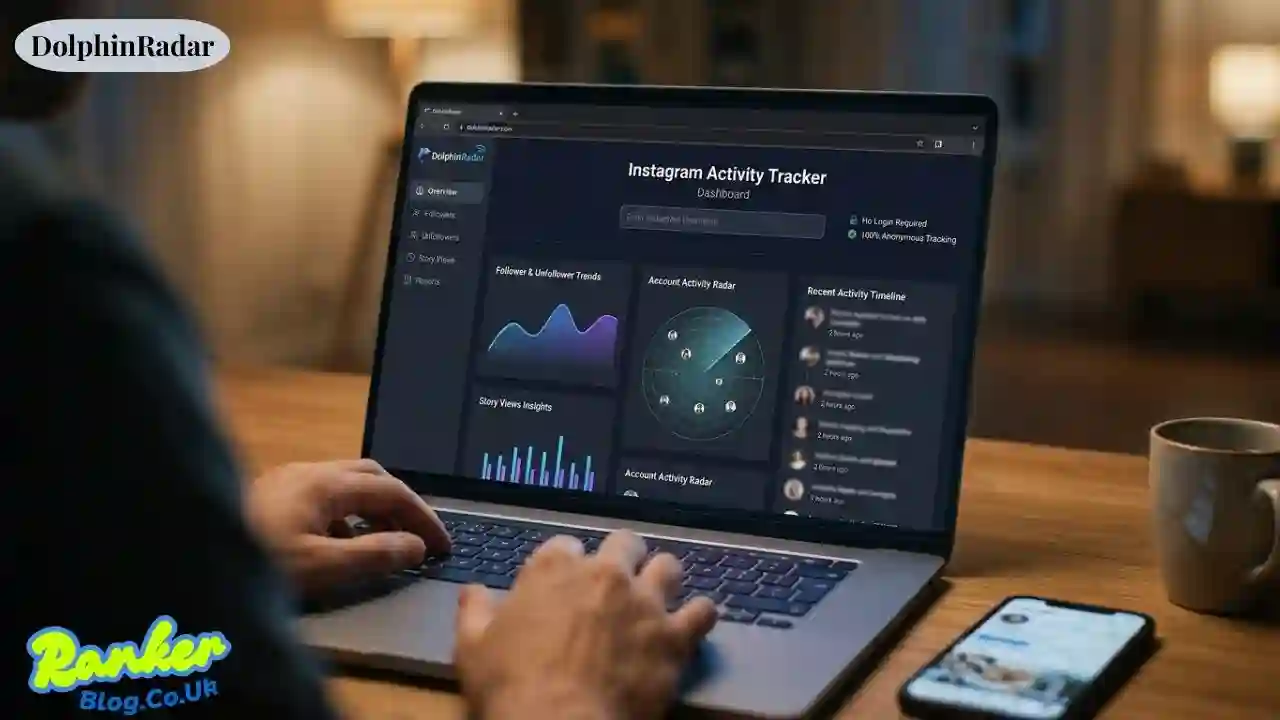
DolphinRadar is an online collection of Instagram trackers that allows you to monitor all kinds of account activity, including new followers, story views, and unfollowers without using the Instagram login and without notifying the account owner in any way. The tool collects publicly available information from a particular target username and compiles it into reports and timelines on your DolphinRadar dashboard.
In case you have wondered about who someone is following recently, how a particular follower has unfollowed you silently, or how your competitor has been acquiring his followers, this is precisely what DolphinRadar has been designed for. Let us take a closer look at how the tool actually works, which of the tools you should pay for, and what the limitations and risks are.
What Exactly is DolphinRadar?
DolphinRadar is a stand-alone analytics tool that does not offer any service from Instagram directly. DolphinRadar is based on one major premise that Instagram conceals much information like chronological following list.
DolphinRadar helps uncover this information by periodically scanning public profiles and tracking all changes. DolphinRadar is an independent tool that has no connection to Instagram, does not host Instagram content, and works exclusively on public accounts.
From practice, the majority of users come to DolphinRadar with one of the following intentions:
Find out dolphinradar instagram follow tracking for a certain username
See dolphinradar following activity and check out who did someone follow
Find out who stopped following them
Get more analytics about an influencer/competitor profile
How DolphinRadar Works, Step by Step
You don’t install anything. The entire process happens through a browser, which is part of why the tool markets itself as an “anonymous Instagram viewer.”
1. Create an account
Sign up with email, Google, or Apple ID. No Instagram credentials are requested at any point.
2. Enter a public username
Type in the Instagram handle you want to track. The account must be public — private accounts can’t be scanned, since the tool only reads publicly visible data.
3. Pick a tool or plan
Free searches typically show a handful of results (for example, the first 5 recent follows). Paid plans unlock ongoing, scheduled tracking, historical data, and downloadable reports.
4. Let it monitor on a schedule
Paid tiers re-check the profile periodically and log changes into a timeline. This is scheduled monitoring, not live surveillance — if something changes and reverses between checks, it can be missed.
Key DolphinRadar Features
DolphinRadar isn’t one single tool; it’s a bundle of separate products, each solving a narrow problem.
Follow and Following Tracker
This is the most searched-for feature. Since Instagram removed chronological following lists, there’s no native way to see who someone just followed. DolphinRadar’s tracker sorts an account’s follows from newest to oldest and flags mutual connections.
Unfollower Tracker
Rather than manually comparing follower lists, this tool flags accounts that recently stopped following a profile — useful for creators auditing engagement or checking follow-for-follow behavior.
Story and Highlights Viewer
Lets you browse a public account’s Stories, Highlights, and posts through the DolphinRadar interface. Because Stories expire after 24 hours, the paid tiers archive them so they don’t disappear from your view.
Social Insights and Behavioral Analysis
Aimed more at brands and marketers, this pulls broader engagement patterns — growth trends, top commenters, and posting activity — across a tracked account.
Cross-Platform Account Detection
An advanced feature that attempts to connect a tracked Instagram account to related profiles on other platforms like TikTok, Pinterest, or LinkedIn, based on public data overlaps.
DolphinRadar Products and Plans at a Glance
| Product / Tool | What It Does | Typical Access Level |
|---|---|---|
| New Follow Tracker | Shows recent follows sorted newest to oldest | Free (limited) / Paid (full history) |
| Unfollower Tracker | Flags accounts that recently unfollowed | Paid |
| Story Viewer | Anonymous viewing and archiving of Stories/Highlights | Paid |
| Social Insights | Engagement and growth analytics | Paid |
| Follower/Following Export | Download follower/following lists as CSV or Excel | Free/Paid tiers vary |
| Cross-Platform Detection | Links accounts across 5+ platforms | Premium plans |
Pricing and exact limits change over time, so it’s worth checking the official DolphinRadar pricing page before subscribing, since separate products are billed as separate subscriptions rather than one bundled plan.
Is DolphinRadar Legal and Safe to Use?
This is the question most people actually care about, so let’s answer it directly.
DolphinRadar only accesses information that’s already public. It doesn’t ask for your Instagram password, doesn’t log into your account, and the platform states it doesn’t handle your payment information directly since billing runs through Stripe.
That said, “legal” and “comfortable to use” aren’t the same thing. A few things worth weighing:
- No notification either way. The account you’re tracking is never alerted — but that also means you have no way to confirm data accuracy beyond what the dashboard shows you.
- Public data only. If an account goes private, tracking stops working immediately.
- Third-party tool, not an Instagram partner. Instagram’s own terms restrict automated data scraping, and tools like this operate in a gray area rather than an officially sanctioned one.
- Use it for context, not confrontation. Checking a public figure’s growth trends is very different from using follow-tracking to monitor an ex-partner or someone who hasn’t consented to being watched. If a use case starts to feel like surveillance rather than analytics, that’s a sign to step back.
Pros and Cons of DolphinRadar
| Pros | Cons |
|---|---|
| No Instagram login required | Doesn’t work on private accounts |
| Covers follows, unfollows, Stories, and analytics in one place | Scheduled checks can miss content that changes quickly |
| Anonymous — the target account isn’t notified | Multiple products mean multiple separate subscriptions |
| CSV/Excel export for follower data | Accuracy depends on how often the profile is re-scanned |
| No app install; browser-based | Third-party tool, not officially endorsed by Instagram |
How to Get Started with DolphinRadar
- Go to the official site and create a free account.
- Enter the public Instagram username you want to check.
- Choose the specific tool — follow tracker, unfollower tracker, or Story viewer.
- Review the free results, and upgrade only if you need ongoing, scheduled tracking or historical data.
- Export any data you need as CSV or Excel for further analysis.
When DolphinRadar Might Not Be the Right Fit
If the account you want to track is private, no third-party tool can bypass that — and you should be skeptical of any service that claims otherwise. Similarly, if you need official, first-party analytics (impressions, reach, saves), Instagram’s own Insights tab for your own account will always be more accurate than any external scraper.
FAQs
Do I need my Instagram login to use DolphinRadar? No. You create a separate DolphinRadar account with email, Google, or Apple ID. Your Instagram credentials are never requested.
Will the person I’m tracking know I checked their activity? No. DolphinRadar only reads publicly available data and doesn’t interact with the target profile, so there’s no notification sent.
Can I track a private Instagram account? No. Tracking only works on public accounts, since the tool relies entirely on publicly visible information.
Is “dolphinrader” the same thing as DolphinRadar? Yes — “dolphinrader” is simply a common misspelling of DolphinRadar. Make sure you’re on the correct, official domain before entering any information.
What about a site called “dolphinradar.con”? Be cautious with any domain that isn’t the exact official one. Misspelled or altered domains (like a “.con” instead of “.com”) are a classic tactic for phishing or scam pages, and they are not the legitimate DolphinRadar site. Always double-check the URL before logging in or entering payment details anywhere.
Is DolphinRadar free? Some features offer limited free previews, such as showing a handful of recent follows. Full tracking, historical data, and exports typically require a paid plan.
Does DolphinRadar work for TikTok or other platforms? Its core tools are built for Instagram. Cross-platform detection can surface related accounts on other platforms, but it doesn’t provide the same depth of tracking outside Instagram.
Bottom Line
DolphinRadar fills a real gap left by Instagram’s own limited visibility into public follow activity, Stories, and follower changes. It’s straightforward to use, doesn’t require your Instagram login, and bundles several niche tools under one dashboard.
Just go in with realistic expectations: it only works on public accounts, scheduled tracking has natural gaps, and it’s worth using the tool for genuine curiosity or brand monitoring rather than anything that starts to feel invasive.
If you’re ready to try it, start with a free search on a public username to see how the reports look before committing to a paid plan — and always verify you’re on the official, correctly spelled domain first.
Also Read: IDGod Explained: What It Is, Is IDGod Legit, and What You Should Know Before Trusting It